 ️
️ Installation
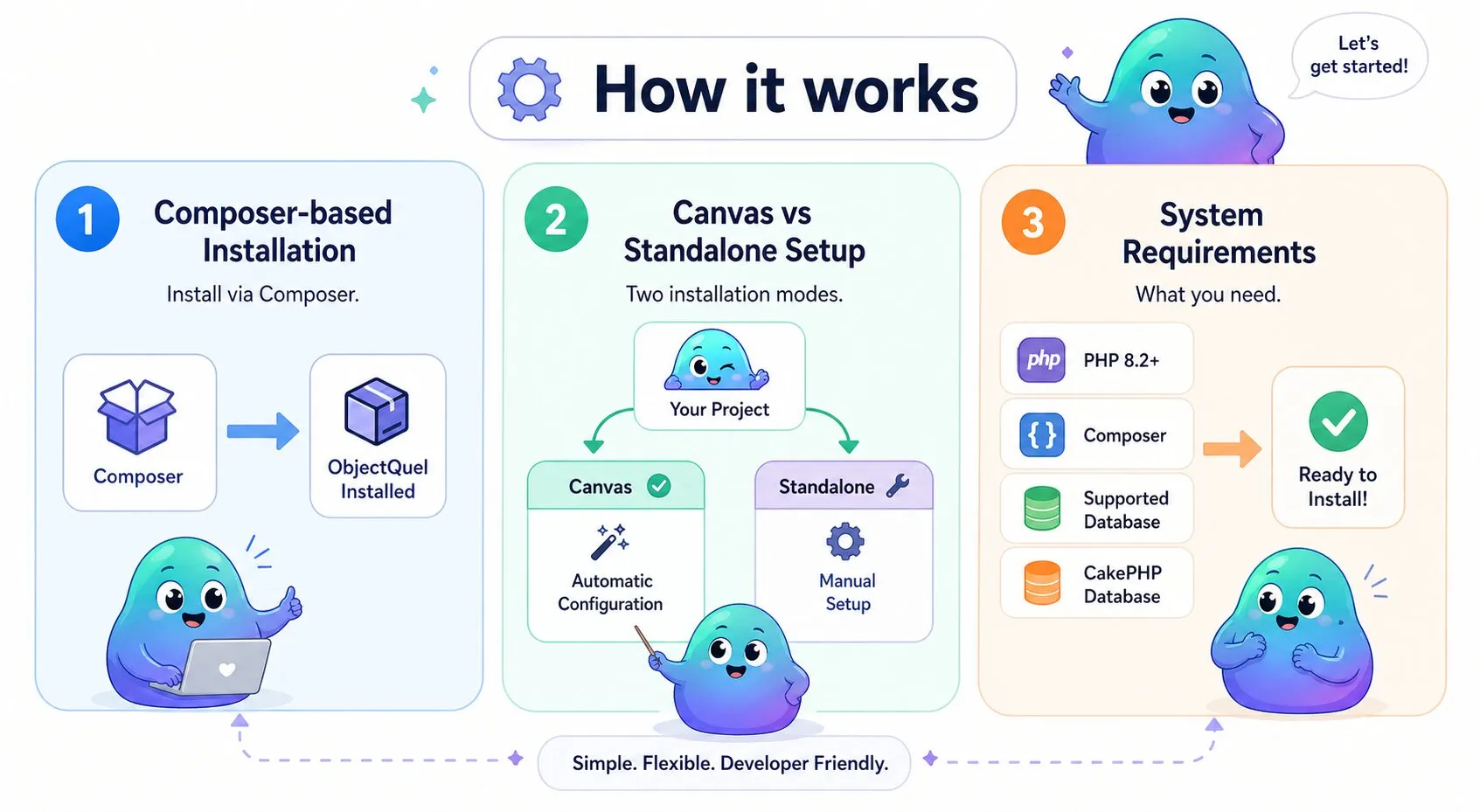
Get ObjectQuel ORM up and running in just a few minutes with Composer.
System Requirements
- PHP 8.2 or higher
- Composer for dependency management
- Database (MySQL, PostgreSQL, SQLite or SQL Server)
- CakePHP Database component (automatically installed)
Install ObjectQuel
Option 1: With Canvas Framework (Recommended)
Create a new Canvas project, then add ObjectQuel:
composer create-project quellabs/canvas-skeleton my-app
cd my-app
composer require quellabs/canvas-objectquel
When using Canvas, ObjectQuel configuration, entity paths, proxy generation, and CLI tools are all set up automatically. You do need to setup your database credentials.
Option 2: Standalone Installation
Add ObjectQuel to an existing project via Composer:
composer require quellabs/objectquelBasic Setup
Canvas Framework Users
No additional setup required! ObjectQuel is pre-configured and available through dependency injection:
<?php
namespace App\Controllers;

use Quellabs\Canvas\Controllers\BaseController;
use App\Entity\ProductEntity;

class ProductController extends BaseController {

    public function index() {
        // EntityManager is automatically available as $this->em
        $products = $this->em()->findBy(ProductEntity::class, ['active' => true]);
        return $this->render('products/index.tpl', compact('products'));
    }
}
Standalone Setup
For standalone installations, configure ObjectQuel manually:
<?php
use Quellabs\ObjectQuel\Configuration;
use Quellabs\ObjectQuel\EntityManager;
use Cake\Database\Connection;
use Cake\Database\Driver\Mysql;

// Create configuration
$config = new Configuration();
$config->setEntityNamespace('App\\Entity');
$config->setEntityPath(__DIR__ . '/src/Entity');

// Create CakePHP database connection
$connection = new Connection([
    'driver' => Mysql::class,
    'host' => 'localhost',
    'username' => 'user',
    'password' => 'password',
    'database' => 'database'
]);

// Create EntityManager
$entityManager = new EntityManager($config, $connection);
Recommended Project Structure
ObjectQuel works well with this directory organization:
my-app/
├── src/
│   └── Entity/            # Your entity classes
├── migrations/            # Database migrations
├── storage/
│   ├── cache/
│   │   ├── proxies/       # Generated proxy classes
│   │   └── metadata/      # Entity metadata cache
└── bin/
    └── sculpt             # Sculpt CLI tool
Generate Your First Entity
Use the Sculpt tool to create entities:
php bin/sculpt make:entity